Junkyard Sim
More games to play
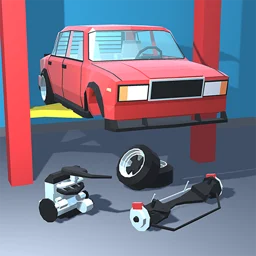 Retro GarageStrip, repair, paint and race classic 50s to 90s cars in a detailed garage sim.
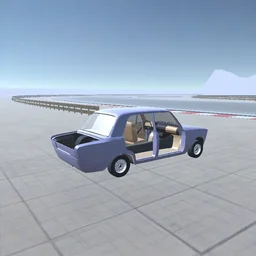 Car Tuning SimulatorBuild a car part by part, then take it for a spin.
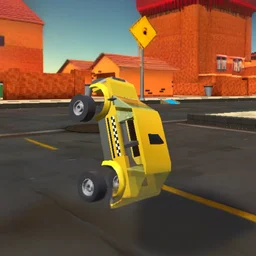 Toy Car SimulatorDrive toy cars through a city, highway, and arena; bank coins to unlock a tank and chopper.
 Truck Driving Simulator GameHaul cargo and livestock across Asia in a 3D truck sim
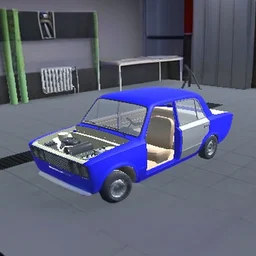 Taz Mechanic SimulatorBack to the main game
Junkyard Sim puts you in charge of a scrapyard and lets you operate the heavy machinery yourself. You drive garbage trucks, run shredders and smashers, and turn a messy lot into a productive yard. It is free to play in the browser with nothing to install, so it works on desktop and runs unblocked at school or work wherever browser games are allowed.
What Junkyard Sim is about
It is an arcade simulator built on one loop: bring in waste, process it with the right machine, earn from the cleared scrap, then reinvest in better equipment. The view is top-down 3D and the pace is casual. You operate the trucks and crushers directly instead of tapping a single build button, so each job feels hands-on.
Driving and operating the equipment
The same controls move your truck and position a machine, so you can use mouse or keyboard.
| Action | Desktop | Mobile |
|---|---|---|
| Move and drive | WASD or arrow keys | On-screen touch controls |
| Position | Mouse | Drag on screen |
| Run a machine | Move into the work zone | Tap the work zone |
The machines in your yard
Each machine handles a different type of scrap, and sending waste to the right one is most of the job.
| Machine | What it does |
|---|---|
| Garbage truck | Hauls loads of waste into the yard |
| Shredder | Breaks metal and junk into smaller pieces |
| Smasher | Crushes old cars and bulky scrap flat |
Earning and upgrading
Cash from cleared scrap goes back into the operation. Upgrades make machines faster and unlock heavier jobs that pay more per run. As the yard grows you handle a bigger flow of waste, so the early one-truck grind becomes a steady haul, process and upgrade cycle.
Tips to clear scrap faster
A few habits keep the yard moving.
- Send cars to the smasher and loose metal to the shredder.
- Buy upgrades early so later runs pay more.
- Keep trucks moving, since idle machines lose money.
- Clear a backed-up machine before the whole yard slows.